





Signal live
Your playlist.
Xtream & M3U IPTV player.
Live TV, movies and series — Android, Android TV / Google TV, Windows and the browser.
DgnStream is a player only — it does not sell or host channels. Use legally obtained playlists.
IPTV
What is DgnStream?
DgnStream is an IPTV player for your own Xtream Codes (Xtream UI) or M3U / M3U8 playlist. Live TV, movies and series play on Android, Android TV / Google TV, Windows and the browser. We do not sell or host channels — your provider supplies the stream.
Paste an Xtream panel URL or M3U file; username and password fill in, channels are grouped, and playback resumes. TV is Android TV / Google TV only (Mi Box, Chromecast). LG webOS and Samsung Tizen are not supported.
Showcase
Live, series, sports — one player
Channels, movies and matches from your playlist, in one interface. DgnStream does not sell content; it plays your legal list.


CANLI
ŞİMDİ
ŞİMDİ




Sports
Match night. Stadium at home.
Football, basketball and sports channels — watch your playlist with low delay.
Live TV
Every channel in one grid
Browse news, national and sports feeds in the same catalog. Visuals are atmospheric; content comes from your playlist.
Platforms
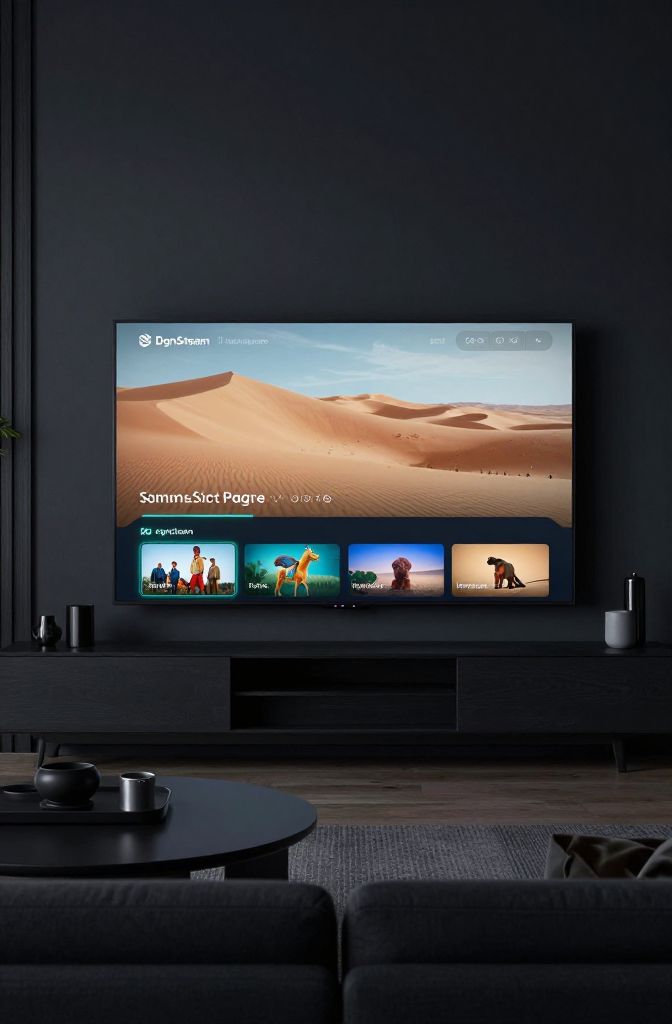
One language on every screen
Phone, browser, Android TV / Google TV, and Windows. LG webOS and Samsung Tizen are not supported.
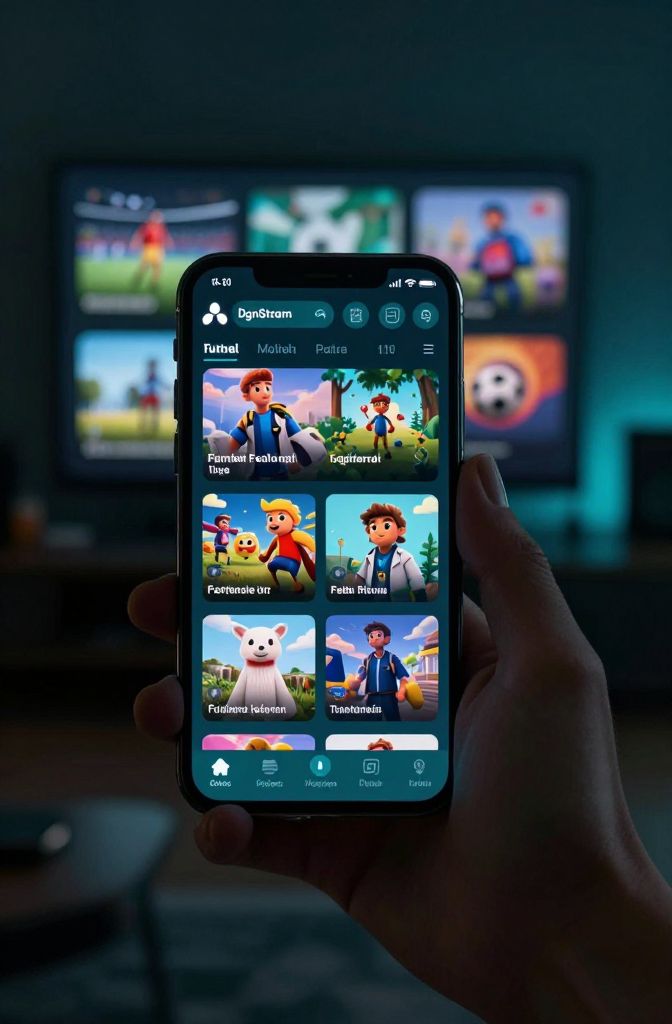
Android
Phones and tablets — Play Store or APK.
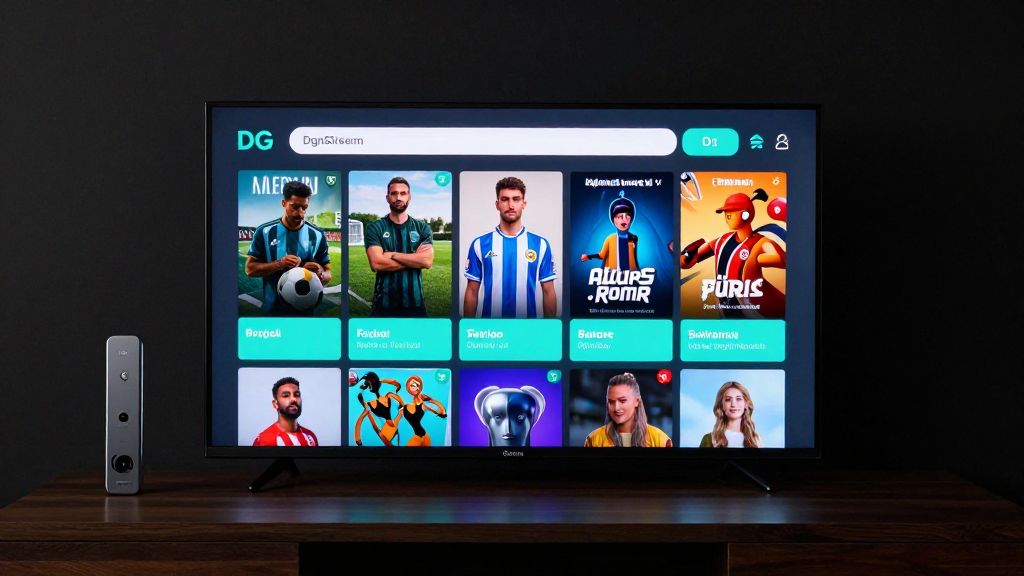
Android TV / Google TV
Play Store or APK only. No webOS / Tizen.
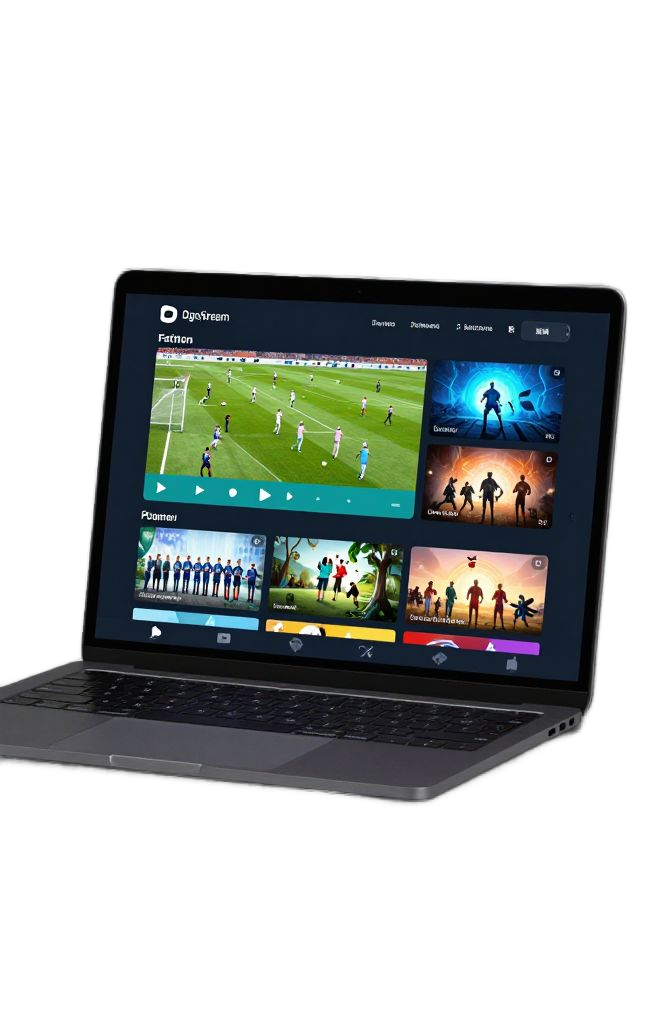
Web browser
No install — sign in at dgnstream.com/watch and play.
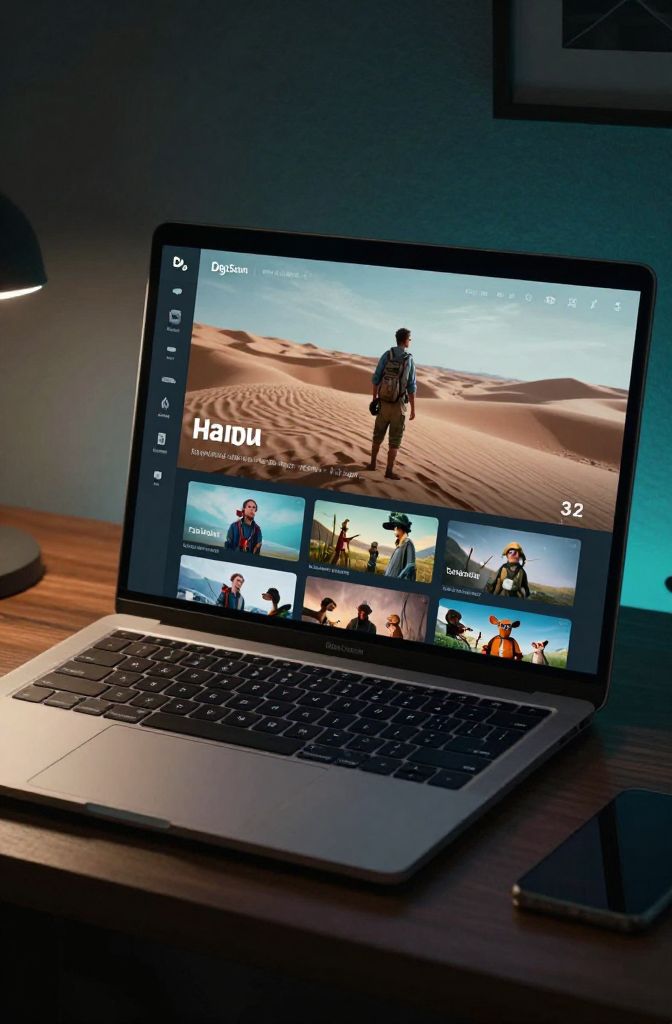
Windows
Desktop client for the big screen.
Features
You own the signal
A fast, clear IPTV experience for daily use.
Live TV
Categories, search, and quick channel zapping.
Movies & series
VOD and series — whatever your panel provides.
Xtream + M3U
Paste a link — username and password fill in.
License & trial
3-day trial; lifetime license via Play.
3 devices
Phone, PC, and TV on one account.
Comfort
Sleep timer, subtitles, referral code, support.
Your content. Our player.
We don’t sell channels. Connect your legal playlist and watch.

Downloads
Official packages
Avoid third-party APK sites.
Web browser
No install. Sign in and play your Xtream / M3U list.
Google Play
Recommended install for Android.
Android TV / Google TV APK v1.0.144
Android TV, Google TV, Mi Box / Stick. LG webOS and Samsung Tizen are not supported.
Android Mobile 64-bit APK v1.0.144
Optimized for modern Android phones and tablets (arm64-v8a ~42MB).
Android Universal APK v1.0.144
Single package compatible with all devices (Universal ~116MB).
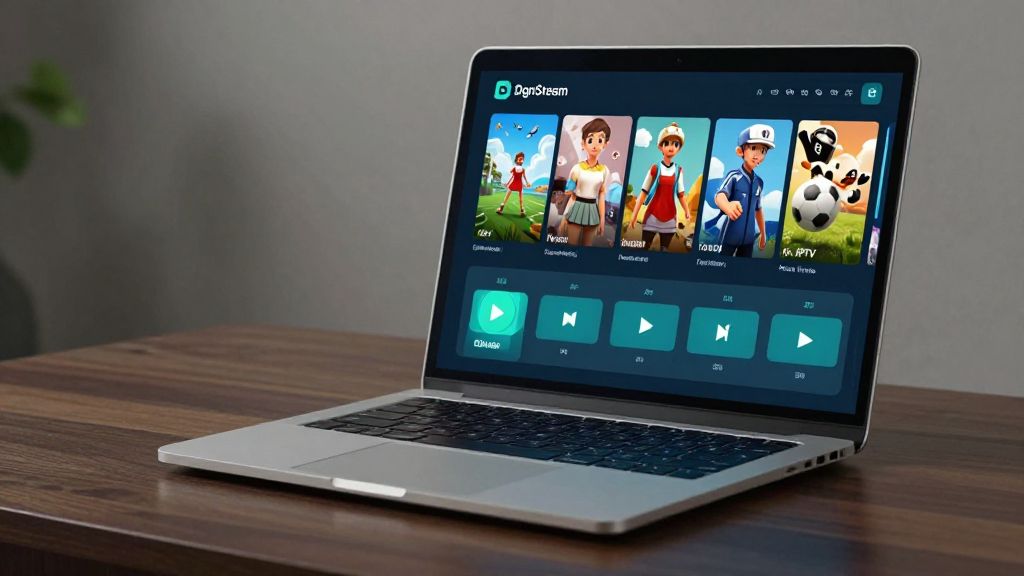
Windows v1.0.133
Setup wizard (Setup.exe) — installs with a desktop shortcut.
How to
Live in four steps
Ready in a few minutes.
Download the app
Install Play, APK, or Windows. TV is Android TV / Google TV only.
Create an account
Sign up — a 3-day trial starts automatically.
Activate your license
Buy lifetime on Play or use an activation code.
Add your playlist
Xtream Codes or M3U — live, movies, series.
FAQ
Short answers
Common questions.
What is DgnStream?
DgnStream is an IPTV player for your own Xtream Codes or M3U / M3U8 playlist. It runs on Android, Android TV / Google TV, Windows and the browser. It does not sell channels.
Does DgnStream sell channels?
No. It is a player only. Content comes from your IPTV provider.
How many devices can I use?
Default limit is 3 devices. You can remove old ones in settings.
How do I link my account to a Smart TV?
Android TV / Google TV only. On the TV choose Pair with phone, then enter the code at dgnstream.com/pair.
How do I install on LG TV?
webOS is not supported. If the TV has Google Play / Google TV, use Play or the APK. Otherwise it cannot be installed.
How do I install on Samsung TV?
Tizen is not supported. If the TV has Google Play / Google TV, use Play or the APK. Otherwise it cannot be installed.
Where do I get a license?
Google Play in-app purchase (lifetime) or an activation code. Same account on Windows and Android TV.
How do I add an Xtream Codes playlist?
Sign in, open playlist settings, paste the Xtream URL. Username and password fill in automatically. Use a list you obtained legally.
Does it work with M3U?
Yes. Add an M3U URL or file. Live TV, movies and series appear if your list includes them.
Is DgnStream a legal player?
Yes: it is a player only and does not sell channels. Connect a legal Xtream or M3U list.
Where is the official APK?
Only dgnstream.com/en/iptv-apk or Google Play. Do not use third-party IPTV APK sites.
Google TV vs Android TV?
Google TV is a launcher on Android TV. DgnStream installs on both. See the Chromecast / Google TV and Mi Box pages.
How does the 3-day trial start?
Sign up and a trial license starts automatically. Then buy lifetime on Play or use an activation code.
How do I install on Android TV?
Get DgnStream from Play Store or the official APK. webOS and Tizen cannot install it. Details: /en/android-tv
Does it work on Chromecast and Mi Box?
Yes on Chromecast with Google TV and Mi Box / Stick with Play. Legacy Chromecast dongles cannot. See /en/google-tv and /en/mi-box
Need a hand?
Write us about install or license questions.